Never-negate lists
The keywords and ASINs Gloriads never adds as a negative - your brand, your author name, your own products - whatever a rule or a tool asks.
A rule that excludes search terms works on numbers: « 30 clicks with no order ». A search for your own brand can have a bad week, and the rule excludes it. Your ad then stops showing to people who type your name, and nothing tells you.
The never-negate lists prevent that. Gloriads never adds an entry of these lists as a negative, whatever asks for it: a rule, a campaign you create, a template or a copied campaign. There are two lists per advertiser, for all its marketplaces: one of keywords and one of ASINs. With several advertisers, each has its own.
Open them
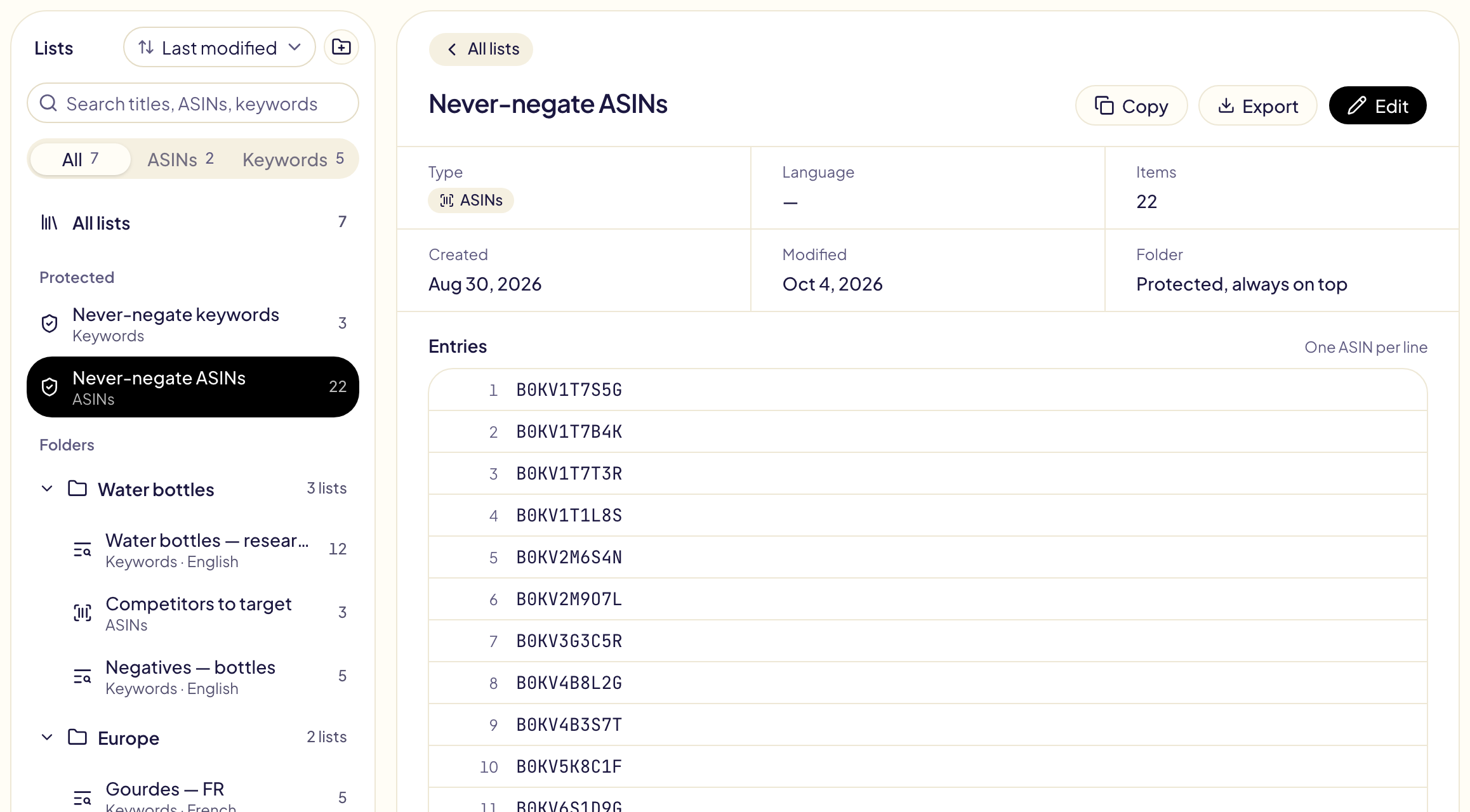
They sit at the top of the Library, in the sidebar, under Protected, above your folders. Click one: its entries show on the right, one per line. Edit opens it on its own tab: Keywords or ASINs. They cannot be deleted or put in a folder.
What they protect
| Entry | Protects |
|---|---|
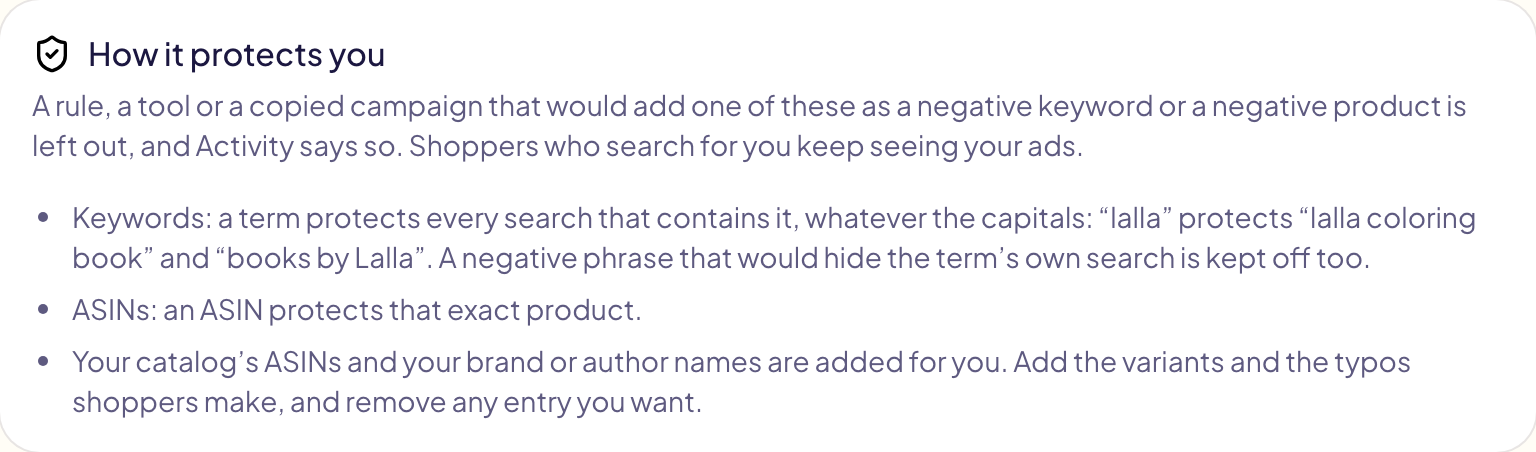
A keyword, like lalla | Every negative keyword that contains it, whatever the capitals: lalla coloring book, books by Lalla. |
A keyword of several words, like islamic books for kids | Also a negative phrase made of some of its words, like books for kids: it would hide your own search. |
An ASIN, like B0ABCDEF12 | A negative ASIN on that exact product, and a negative keyword where a shopper typed it. |
The lists only stop negatives. A rule can still add your brand as a keyword.
What goes in them
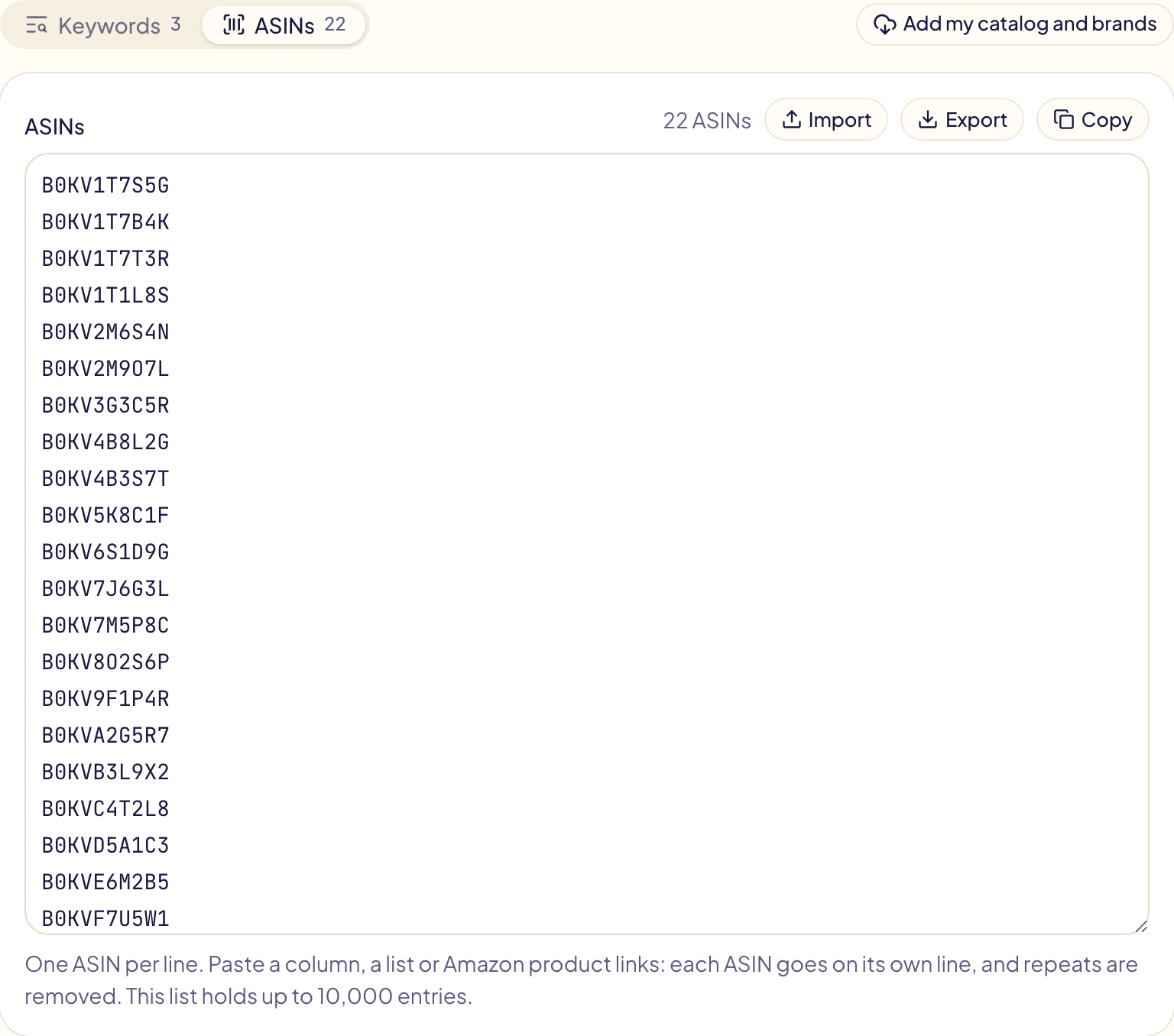
- Your ASINs and your brand or author names are added for you, for every marketplace, once you connect Amazon Ads: the names in Keywords, the ASINs in ASINs. Remove any entry you want: it does not come back on its own. Amazon does not list a Merch on Demand catalog: paste those ASINs yourself.
- A new product is added by itself when a template proposes campaigns for your new products. Otherwise, click Add my catalog and brands after publishing it.
- You add the variants and the typos shoppers make, your series names, your book titles, in Keywords.
One entry per line, up to 10,000 per list. Paste a column or a comma-separated list; in ASINs, Amazon product links too: each link becomes its ASIN. Repeats are removed. Save changes saves both lists.
An ASIN typed in Keywords is flagged, and the tab shows a red mark. Click Move to the ASIN list, then Save changes.
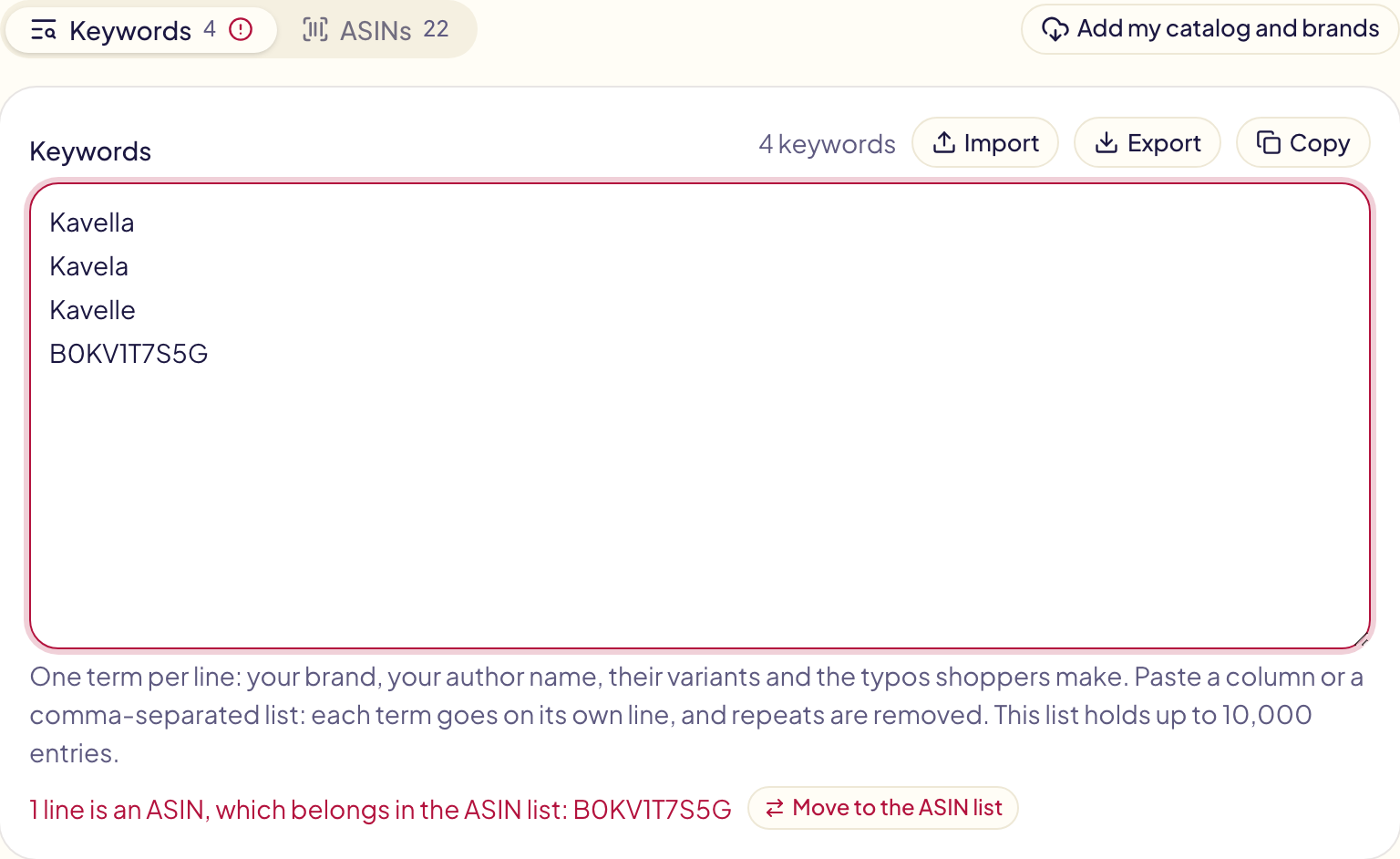
Add my catalog and brands reads your catalog and brand names again on every marketplace, and adds what is missing, including entries you removed. It takes a few minutes.
Where you see them work
- When you create a campaign or a template, a negative on your lists is flagged under its field, with the entry that protects it.
- When you copy a campaign, the preview of each marketplace names the negatives that will not be copied.
- When you test a rule, a kept-off negative shows as « Not added », with its entry.
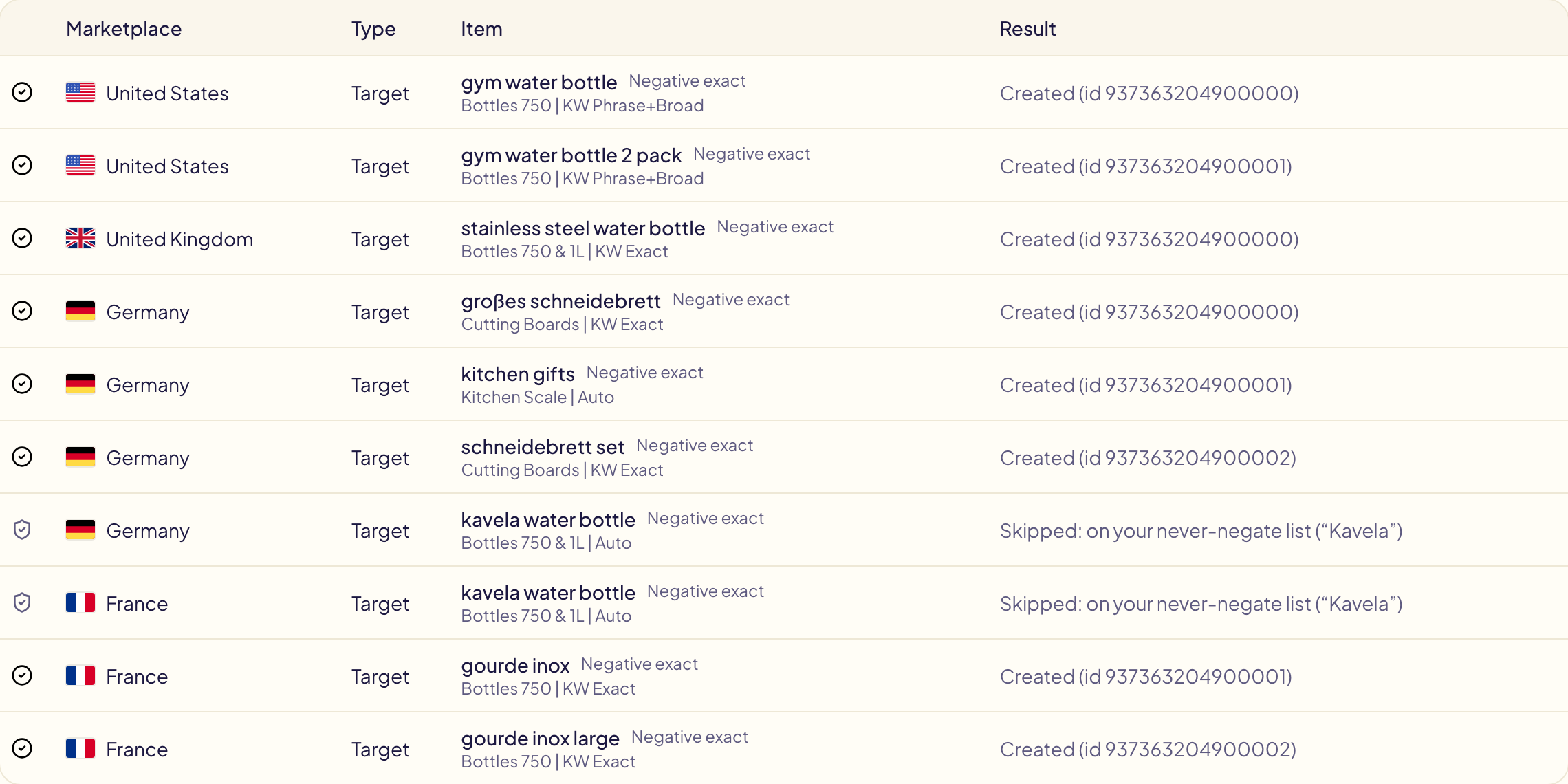
- In Activity, it reads « Skipped: on your never-negate list ». It is never counted as a failure.