
Notifications
What Gloriads tells you about your Amazon account, and when, so you no longer watch Amazon's e-mails.
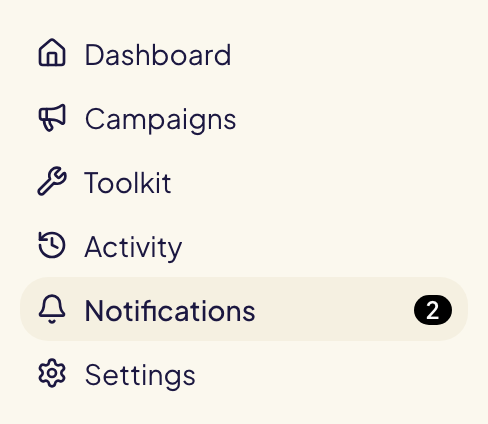
Notifications, in the left menu, shows what needs your attention. The number next to it counts the unread ones.
What you are told
| Notification | When |
|---|---|
| Ads not accepted by Amazon | Amazon refused an ad Gloriads created. |
| Ads not delivering | An ad is approved but not showing (out of stock, campaign paused, out of budget…). |
| Ads not approved within 5 days | Amazon's review never finished. Treat it as a failure. |
| New products ready for a template | A template's automation found a new product to advertise. |
| A rule changed something | A rule changed bids, statuses or budgets, when its « Tell me when it changes something » is on. |
| A rule found something | A rule's Notify me action found objects. Nothing was changed on Amazon. |
| A rule's run failed | A run could not finish. Nothing was changed on Amazon. |
| Launch stopped | Amazon refused campaigns of a very big launch because your account holds too many. Its parts not started yet are never sent. |
| Your search terms are ready | A period of Search terms you asked to be told about is ready. Click it to open that period. |
| Amazon could not prepare your search terms | The same, when Amazon failed. Opening the page asks again. |
An ad you created paused on purpose is never reported for being paused.
Finding a notification
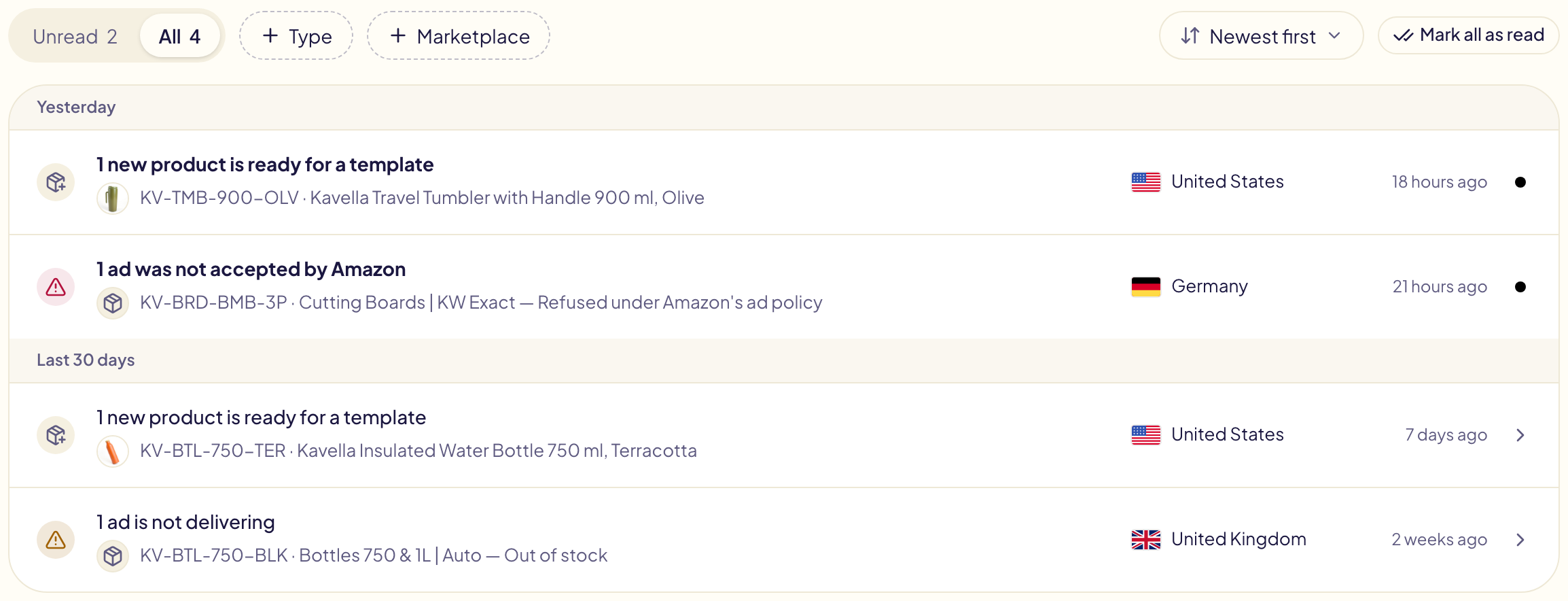
- Unread shows what you have not opened yet. All shows everything.
- + Type filters by type (Ads, Rules, Budgets, New products), + Marketplace by marketplace. The number next to each choice says how many notifications it holds; the cross next to a filter removes it. A rule's notification names no marketplace: it shows under All marketplaces only.
- Notifications are grouped by day: today, yesterday, the last 7 days, the last 30 days, older.
- Newest first or Oldest first, on the right, sets the order. Unread and All each keep their own: Unread starts oldest first, All newest first.
- The colour of the icon says how urgent it is:
| Colour | Meaning | Examples |
|---|---|---|
| Red | It costs money or blocks something. | An ad not accepted or not approved within 5 days, a rule's run failed, a monthly budget reached, a launch stopped. |
| Amber | Worth a look soon. | An ad not delivering, 80% of a monthly budget spent, two rules disagreeing. |
| Grey | For the record. | What a rule changed or found, new products, a budget pause lifted, search terms ready. |
The page keeps your 500 most recent notifications, 25, 50 or 100 per page.
When Gloriads checks
Amazon reviews every new ad, usually within 24 hours and sometimes up to three business days. Gloriads checks each ad it created 24 hours after creation, then once a day while the review is pending, for 5 days at most.
Reading them
Click a notification to open the operation it is about: each line shows its review and links to the ad group in the Amazon Ads console. A new-product notification opens the template, ready to apply. A rule changed something opens that run in Activity, every change with its marketplace; the other rule notifications open the rule. Mark all as read clears the count.
A notification read by one member is read for the whole team. In a team, it says who read it and when (« Read by Sara · 2 hours ago »).
Notifications appear in Gloriads only; none are sent by e-mail.