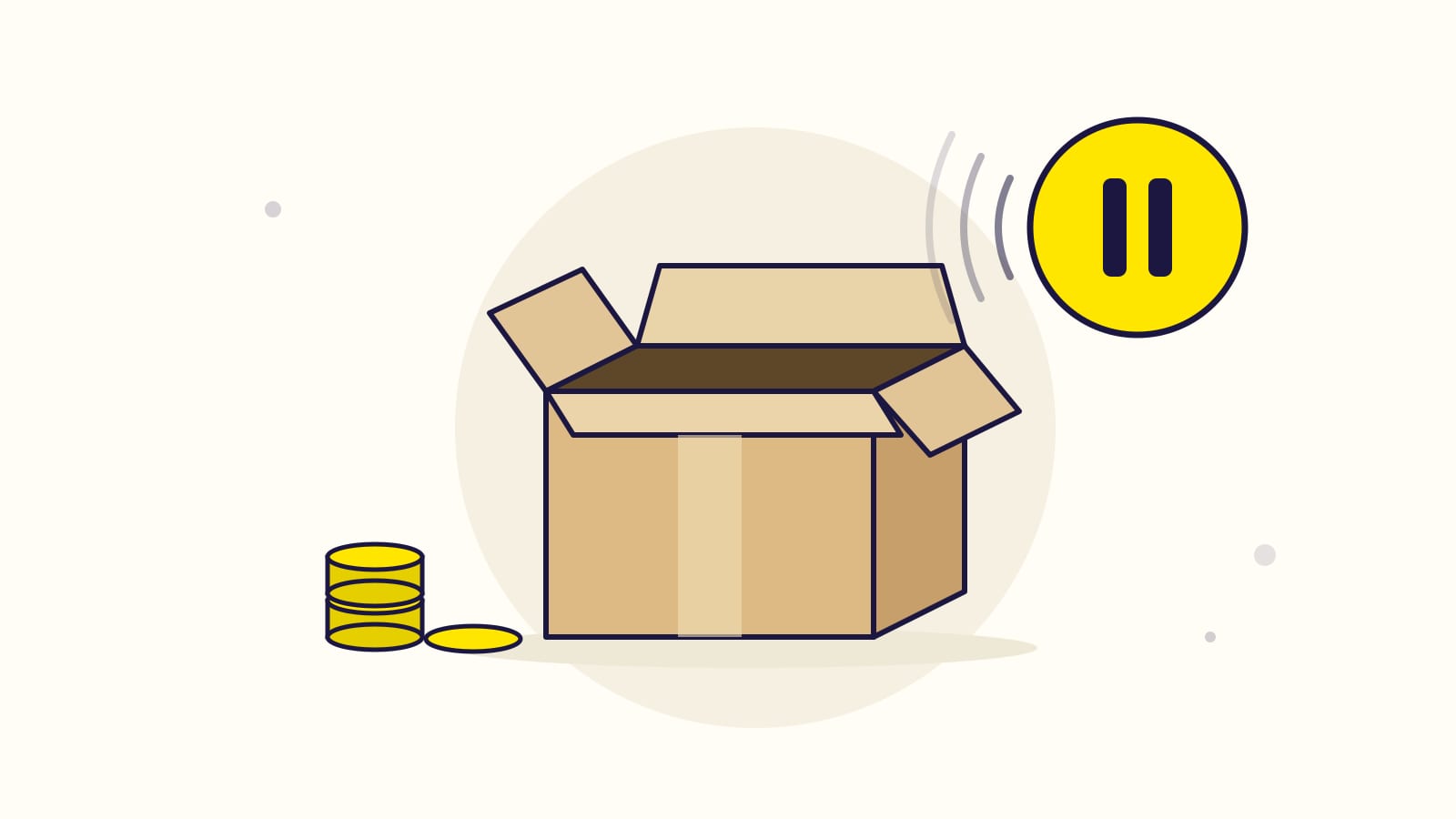
Short answer: yes for Sponsored Products and Sponsored Display, no for Sponsored Brands. An Amazon ad only shows when its product is in stock and holds the featured offer (the Buy Box). When a product runs out, its Sponsored Products and Sponsored Display ads stop showing, so they cost nothing. A Sponsored Brands ad with several products keeps running as long as the others can be bought, and that is where out-of-stock money is wasted.
The rule is the same for FBA, FBM, Merch on Demand, KDP and vendors: Amazon checks whether the offer can be bought, not who ships it. Checked against Amazon's own documentation in October 2026.
Jump to your case:
- FBA sellers
- FBM sellers
- Merch on Demand
- KDP authors
- Vendors
- Sponsored Brands: where the money leaks
- How many products must stay in stock in a Sponsored Brands ad
The answer in two tables
What each ad type does on its own:
| Ad type | Your product is out of stock | Another seller wins the featured offer |
|---|---|---|
| Sponsored Products | Stops showing, costs nothing | Stops showing, costs nothing |
| Sponsored Display | Stops showing, costs nothing | Stops showing, costs nothing |
| Sponsored Brands | Keeps running; a one-product video stops | Stops, even if "Delivering" (details) |
What "out of stock" means for you:
| You sell as | Your ads stop when | What to watch |
|---|---|---|
| FBA seller | Your FBA stock for the SKU reaches zero | Sponsored Brands, and an FBM SKU of the same product |
| FBM seller | The quantity on your offer reaches zero | Sponsored Brands, and a quantity that does not match your shelf |
| Merch on Demand | Almost never for stock: products are printed when ordered | A design that becomes unavailable, and Sponsored Brands |
| KDP author | Almost never: ebooks have no stock, print books are printed on demand | A print book Amazon shows as unavailable, and Sponsored Brands |
| Vendor | Amazon runs out of your product | Sponsored Brands, and losing the featured offer to a seller |
FBA sellers: ads pause when your FBA stock hits zero
Your Sponsored Products and Sponsored Display ads stop on their own when the SKU has no FBA stock left, and start again after you restock. You pay nothing while they are stopped.
- When they stop. As soon as the SKU can no longer be bought. They also stop when another seller wins the featured offer on the listing.
- When they restart. When stock is back. An Amazon community manager says the return can take up to four hours.
- A campaign with one product. Amazon pauses the whole campaign when its only product runs out. With several products, only the empty one stops; the others keep running.
- The same product sold FBA and FBM. A seller's Sponsored Products ad points to a SKU, not to the ASIN. An ad on your FBA SKU stops when that SKU is empty, even if your FBM SKU still has stock. Advertise both SKUs, so the one that can be bought keeps the product visible.
Sponsored Brands does not stop the same way: see where the money leaks.
FBM sellers: ads pause when your quantity hits zero
It works exactly like FBA. When the quantity on your merchant-fulfilled offer reaches zero, the offer cannot be bought, so it cannot be the featured offer, and your Sponsored Products and Sponsored Display ads stop showing it. They restart when the quantity goes back up.
- Amazon only knows the quantity you report. If Seller Central says zero while the boxes are on your shelf, your ads stop for nothing. If it says 50 while the shelf is empty, your ads keep running and sell what you cannot ship. Keep the quantity true and the ads follow it.
- Selling the same product FBA too? Advertise both SKUs, for the reason explained in the FBA section.
- Losing the featured offer to another seller also stops your Sponsored Products and Sponsored Display ads.
Merch on Demand: printed on demand, so stock is rarely the issue
Merch products are printed when a customer orders them, so they do not run out of stock the way FBA or FBM inventory does. Your ads therefore almost never stop for stock.
They follow the same rule as every other product, though: if a product can no longer be bought (a design removed or rejected, a listing that disappears for a while), its Sponsored Products ads stop showing until it can be bought again.
Amazon does not publish a rule written for Merch; the featured offer rule applies to every Sponsored Products ad. If you run Sponsored Brands for your designs, read where the money leaks.
KDP authors: ebooks never run out, print books rarely do
Kindle ebooks have no stock, so their ads never stop for stock. Paperbacks and hardcovers are printed on demand, so they are rarely out of stock. When Amazon does show a print book as unavailable, its ads stop showing, with no impressions and no spend, and start again when the book can be bought.
KDP authors can run Sponsored Products and Sponsored Brands. Sponsored Products handles stock on its own; for Sponsored Brands, see where the money leaks.
Vendors: ads pause when Amazon runs out of your product
As a vendor, Amazon holds the stock. When Amazon runs out of your product, or another seller's offer becomes the featured offer, your Sponsored Products ads stop. Amazon's rule for vendors: "listings advertised on Sponsored Products must be eligible for the Featured Offer."
- A vendor's ad points to the ASIN, not to a SKU.
- Sponsored Brands stops too when you lose the featured offer: see Sponsored Brands.
Sponsored Brands: where out-of-stock money is wasted
A Sponsored Brands ad with several products does not stop when one of them runs out. Three cases. New to this ad type? See what Sponsored Brands ads are.
- One product of a multi-product ad is out of stock. Amazon drops that product from the ad, but the ad keeps running while other products in it can be bought. The budget keeps spending on a weaker ad, and shoppers land on a page where part of what they clicked for cannot be bought.
- The only product of a one-product video ad is out of stock. A Sponsored Brands video usually features a single product. An out-of-stock product cannot hold the featured offer, so the ad gets 0 impressions and costs nothing, like Sponsored Products.
- Another seller wins the featured offer. The ad stops, like Sponsored Products and Display. Amazon's help page on featured offer eligibility (updated July 2026): Sponsored Products, Display and Sponsored Brands campaigns "generate 0 impressions if the advertised ASIN or SKU doesn't hold the Featured Offer (even when the campaign shows "Delivering" status in the campaign manager)." For an ad with several products, the page does not say whether the whole ad stops or only that product. So check the impressions, not the status.
What to do:
- Before a product runs out, pause the Sponsored Brands ads that feature it, or swap it for a product in stock. Turn them back on after the restock.
- Do not pause your Sponsored Products or Sponsored Display campaigns: Amazon stops those ads for you and restarts them after the restock, and a manual pause is one more thing to remember to undo.
- Watch the products where you often lose the featured offer. Amazon recommends winning it "ideally 90% or higher."
One exception: a Sponsored Brands ad built on a Brand Store creative uses its featured products for "halting bidding for the creative when the featured ASINs are out of stock or unavailable on the store page."
How many products must stay in stock in a Sponsored Brands ad?
Amazon gives three different answers:
- At least 1: "if at least one ASIN in your product list page is in stock, the ad will continue to show" (an Amazon community manager, Seller Forums).
- At least 3 eligible products: below that, Amazon's API documentation marks the ad's landing page invalid.
- At least 2 in stock among the 3 to 10 products of a collection (Amazon's collections help page, October 2026).
Keep at least 3 products in stock in every multi-product Sponsored Brands ad: that meets all three answers.
Why Amazon stops the ad: the featured offer rule
The featured offer is the offer on a product page with the Add to Cart or Buy Now button, often called the Buy Box. Amazon only shows an ad for a product that holds it, and an out-of-stock product cannot hold it.
From Amazon's guide for new advertisers: "Your products need to be in stock to be the featured offer and eligible for advertising." And from the Amazon Ads FAQ: "If your product isn't the Featured Offer or is out of stock, your ad will not display."
An ad that is not displayed gets no impressions and no clicks, so there is nothing to pay, whether the ad is billed per click or per thousand impressions.
How to see that an ad stopped for stock
In the Amazon Ads console: "Ads that are not eligible are flagged in the campaign manager," next to the ad. But a campaign can show "Delivering" and still get 0 impressions when its product lost the featured offer, so check the impressions, not only the status.
In Gloriads: when an ad created with Gloriads is approved but not showing, Notifications tells you, with Amazon's reason, out of stock included.
In the Amazon Ads API (for agencies and tools), the reason comes back with the ad's status:
- Sponsored Products v3, field
servingStatus:OUT_OF_STOCK,NO_INVENTORY,NOT_BUYABLE,NO_PURCHASABLE_OFFER. - Sponsored Display, field
servingStatus:OUT_OF_STOCK,NOT_BUYABLE,NOT_IN_BUYBOX. - Sponsored Brands v4, the campaign's computed status:
ASIN_NOT_BUYABLE,LANDING_PAGE_NOT_AVAILABLE. - Amazon Ads API v1, field
deliveryReasons:OUT_OF_STOCK,NO_INVENTORY,NOT_BUYABLE,NOT_IN_BUYBOX,NO_PURCHASABLE_OFFER.
Amazon defines OUT_OF_STOCK as "Ad offer is out of stock" and NO_INVENTORY as
"Ad offer is ineligible because inventory was removed." Sponsored Products no longer
returns NOT_IN_BUYBOX.
Sources
- Guide to Sponsored Products for new advertisers, Amazon Ads
- Advertising FAQs, Amazon Ads
- Understand Featured Offer eligibility, Amazon Ads
- How to choose the right products for Sponsored Brands collections, Amazon Ads
- Ads and Selling Partner APIs: onboarding and best practices, Amazon Ads API
- Computed status, Amazon Ads API
- Sponsored Products API reference (an ad's
skuis "defined for seller accounts only", itsasin"for vendors only"), Amazon Ads API - Brand Store creative ad specs, Amazon Ads
- Best practices for Amazon Ads during an upcoming stockout, answer from Amazon's community team, Seller Forums
Gloriads is an Amazon Ads automation platform that creates, monitors and optimizes Sponsored Products, Sponsored Brands, Sponsored Display and Streaming TV campaigns for sellers, brands, authors and agencies, by rules you control. See how it works.